Comparison guide
Photo and sticker printers
Compare full-size and pocket prints by media costs. Choose a cutting workflow for shaped stickers. The Amber refill pack is a separate purchase for owners of compatible printers.
| Listing | When to consider it | What to check |
|---|---|---|
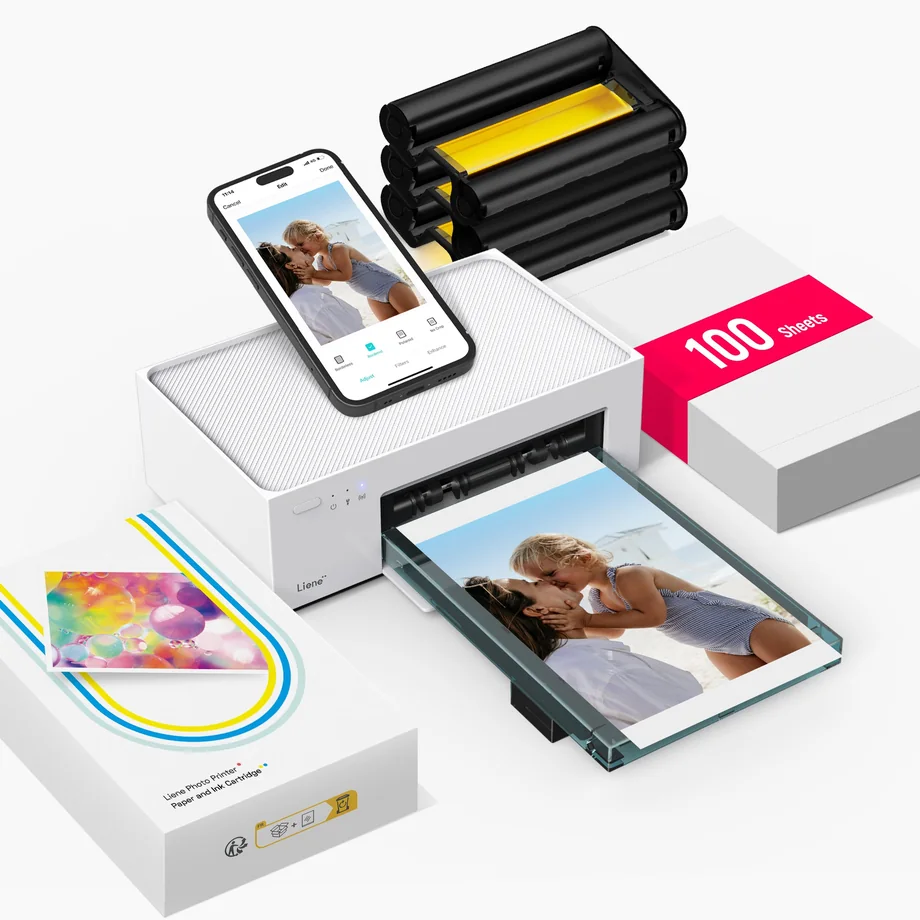 | Choose this bundle if you want standard 4 × 6 in photo prints with media included for a first batch. | Confirm the white 100-sheet bundle and three cartridges, and check phone or computer compatibility. |
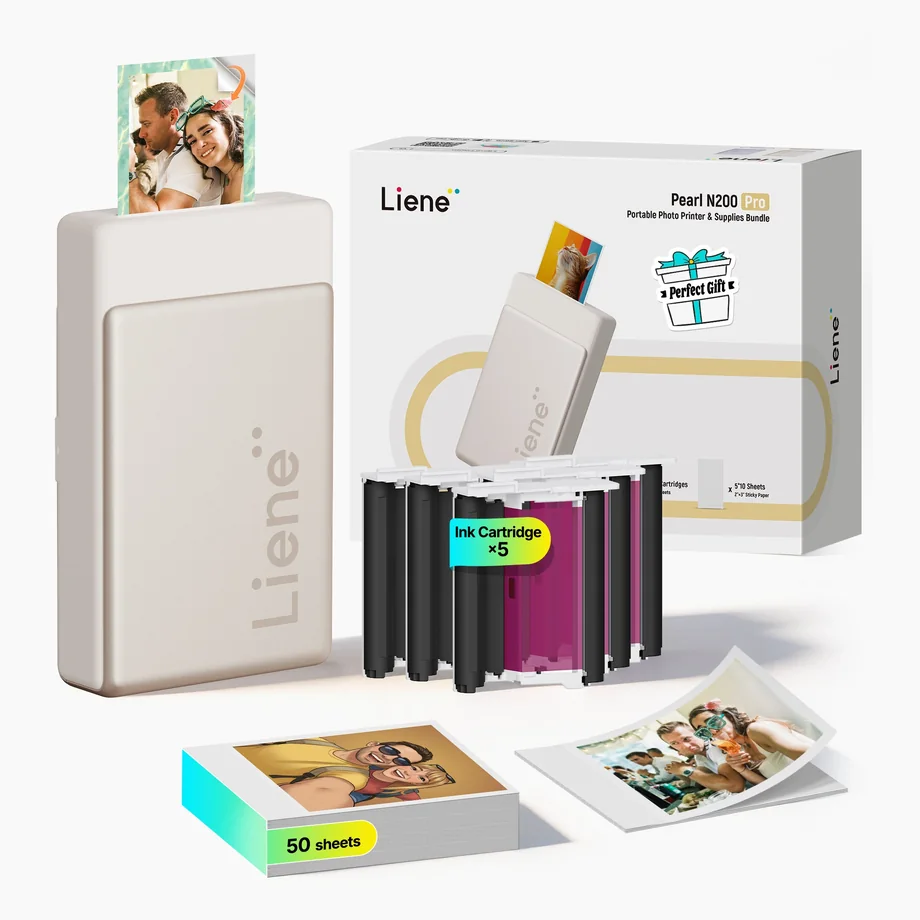 | Consider this portable dye-sublimation model for small photos and stickers. | Confirm the gold 50-sheet option, listed cartridge count, and compatible replacement media. |
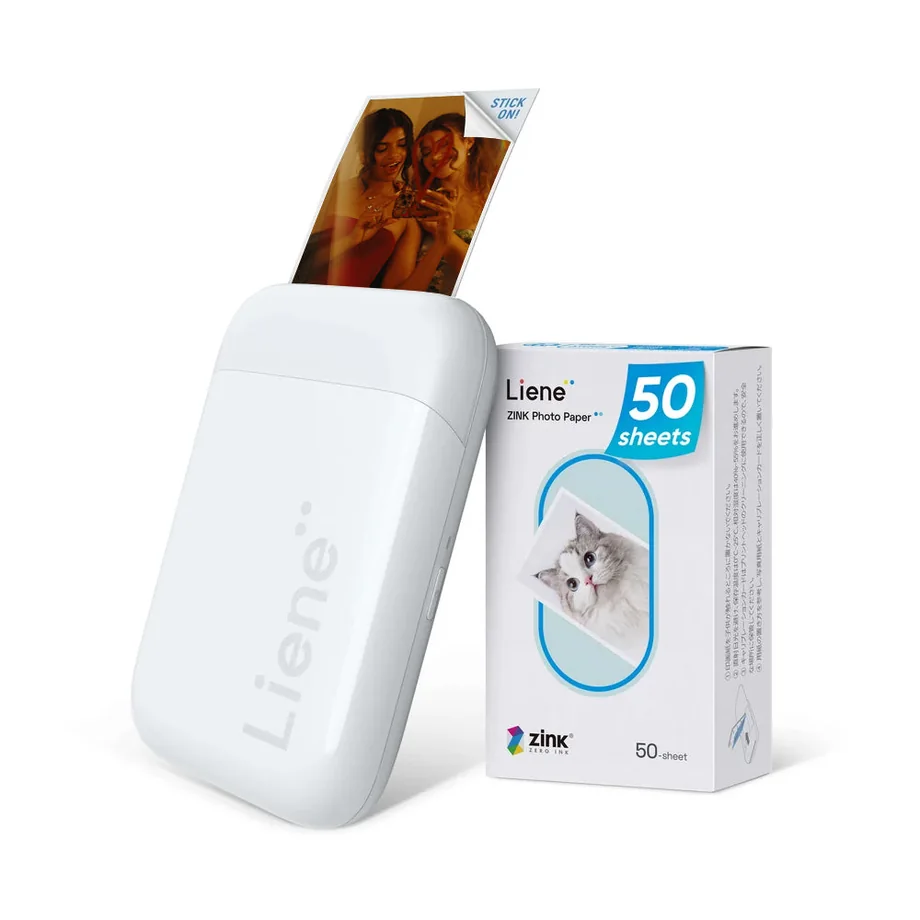 | Choose this candidate if small prints and a paper-only consumable workflow are priorities. | Confirm white, 50 sheets, and the compatible Zink paper before checkout. |
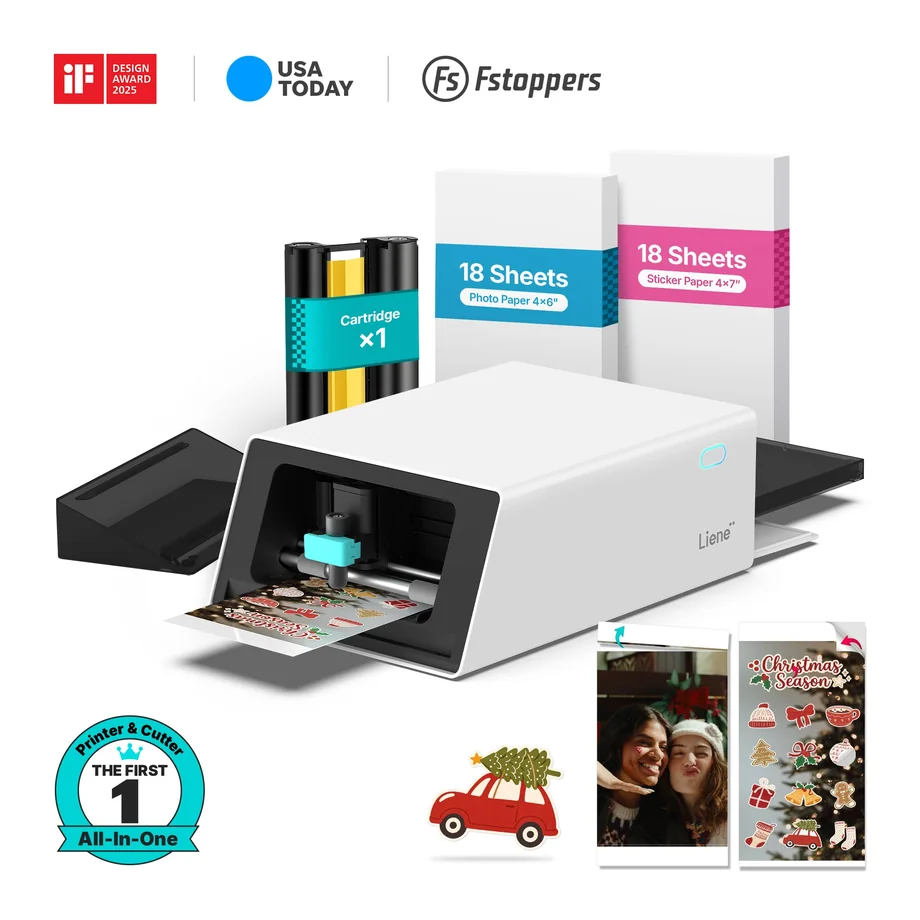 | Shortlist this standard kit if cutting custom sticker outlines is part of your workflow. | Confirm the white standard bundle, starter materials, supported designs, and app requirements. |