Comparison guide
Earbuds and open-ear headphones
Use hooks, clips, or a wraparound band if those open-ear fits suit you. Compare in-ear X08 listings by color and tip fit. Think about where you listen, how much sound is around you, and which controls you use most.
| Listing | When to consider it | What to check |
|---|---|---|
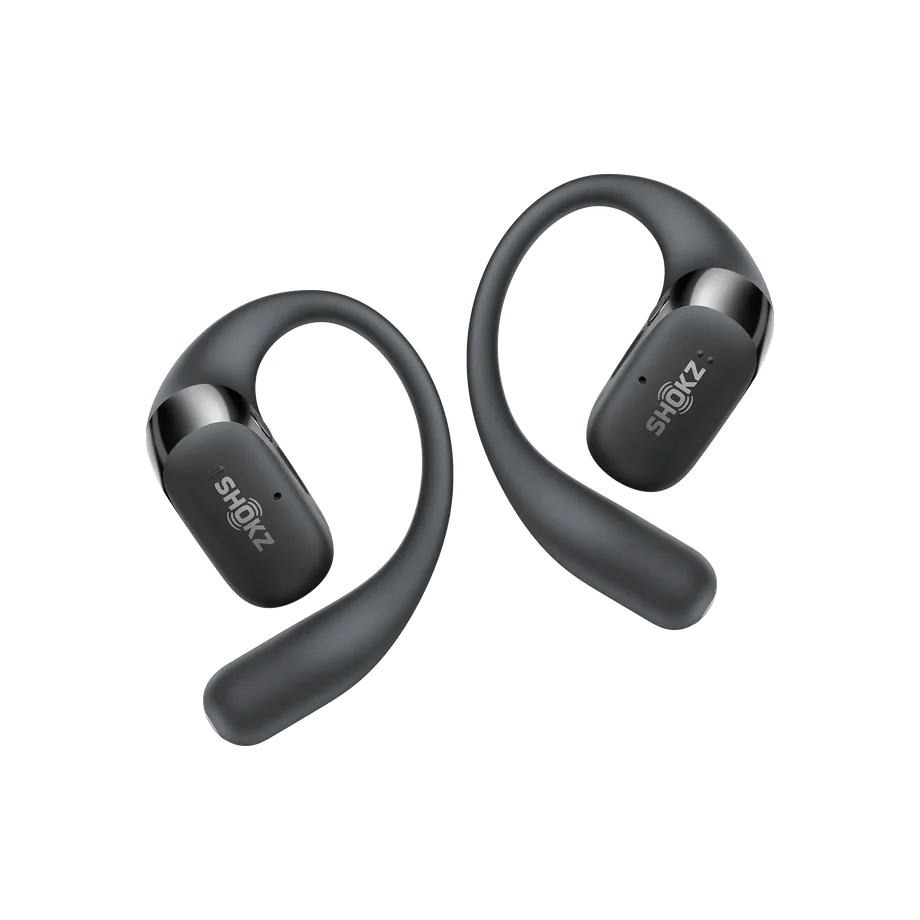 | Consider these earhook earbuds if you prefer an open-ear fit and value the listed wireless-charging feature. | Check the exact 2+ edition, case charging, and fit during ordinary movement. |
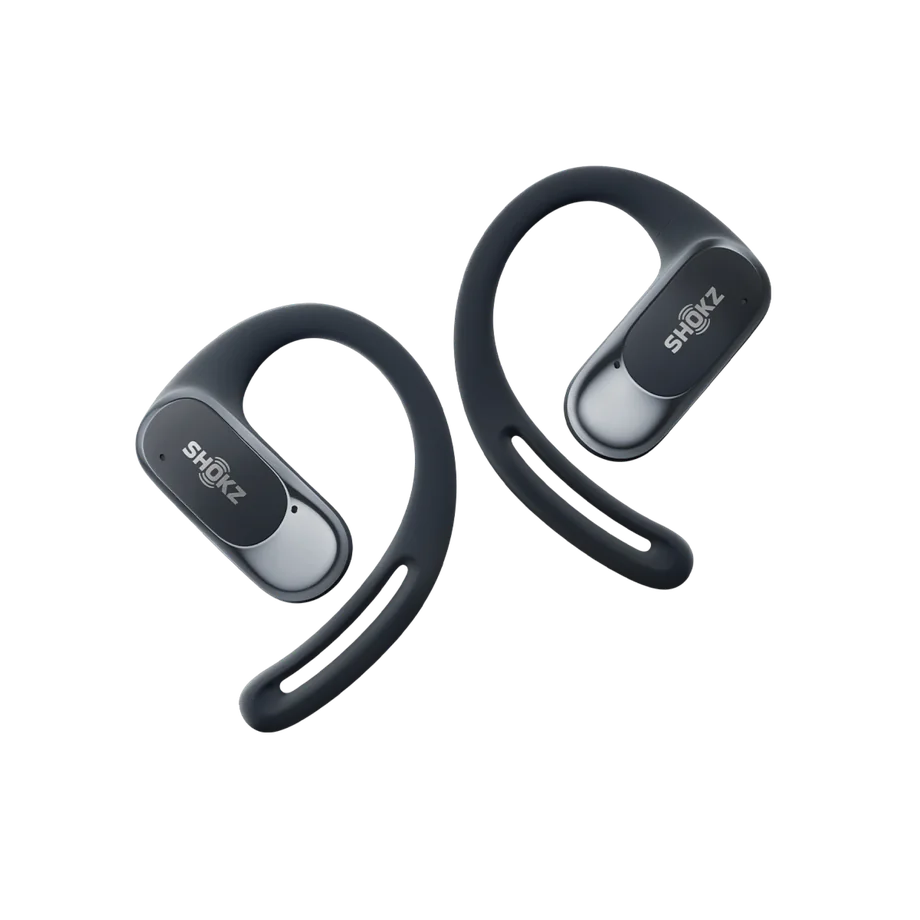 | Consider these if you prefer open-ear hooks and want to check the fit with glasses. | Confirm the black OpenFit Air option and the charging and control features you need. |
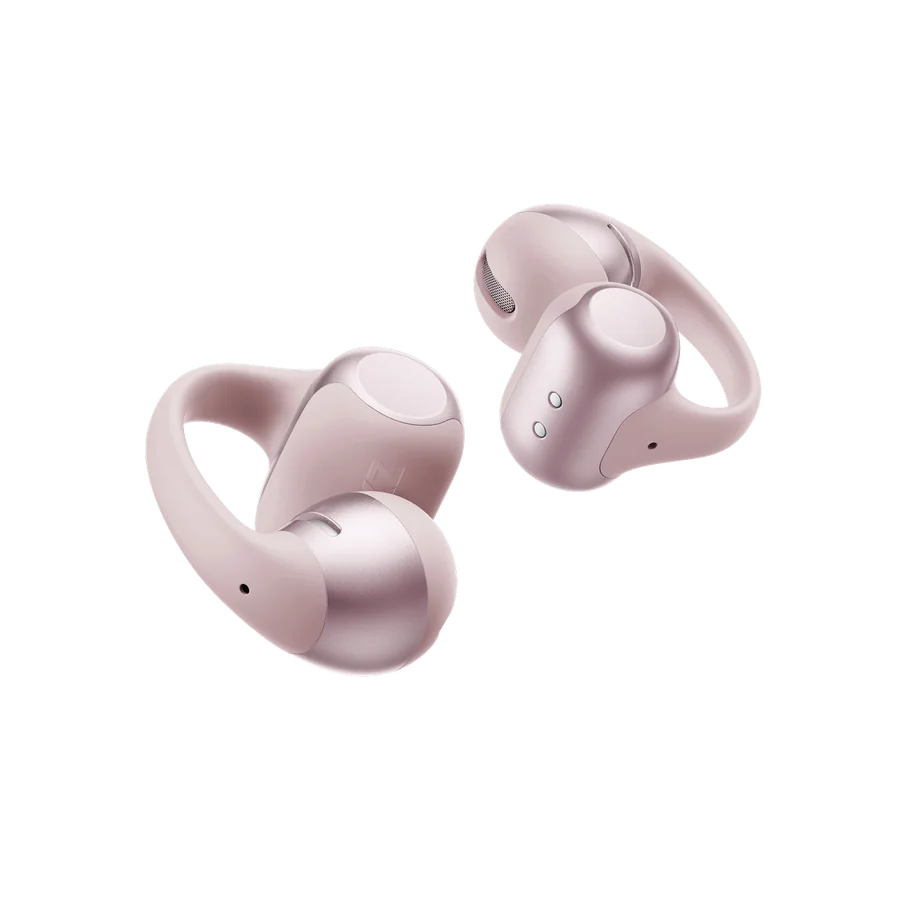 | Consider this style if you prefer clips over an over-ear hook or a headband. | Check the pink variant, case contents, and wear orientation. |
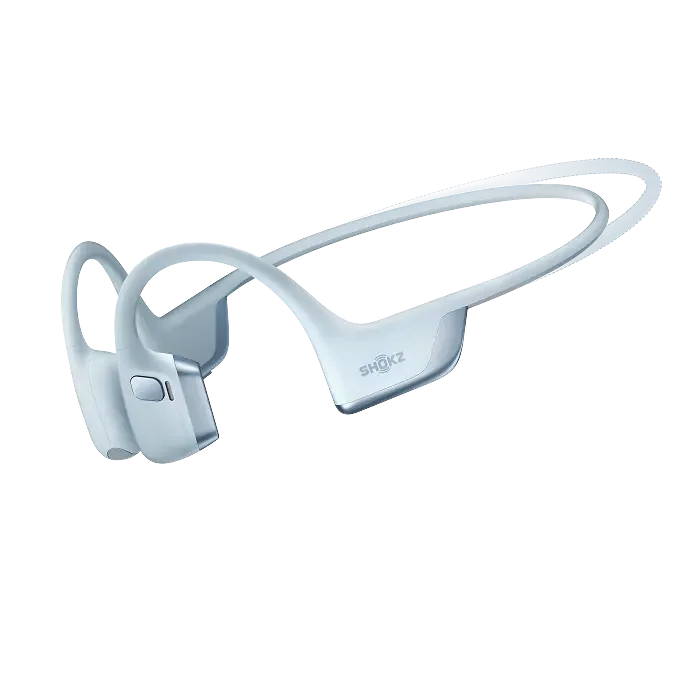 | Shortlist this smaller wraparound model for workouts where you prefer a single connected headset. | Check the Mini size and headband clearance against the brand size guide. |
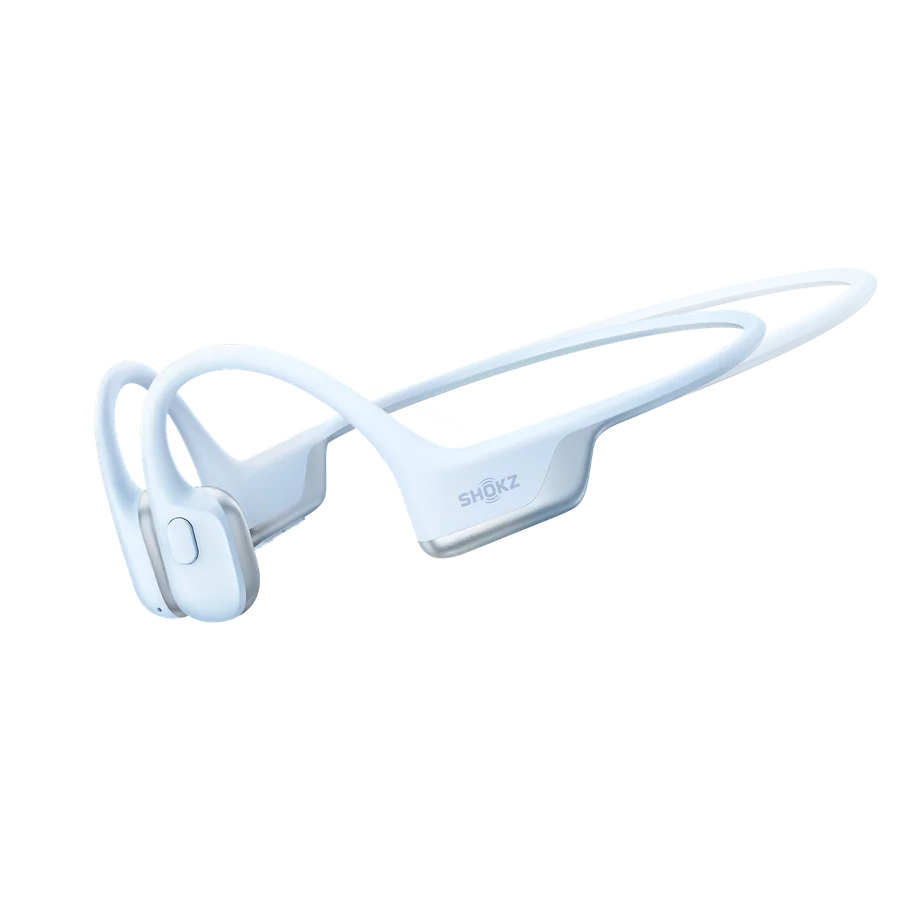 | Look here for the compact wraparound bone-conduction option in the source list. | Confirm the Mini edition and Ice Blue selection. Compare fit with the Pro 2 Mini rather than assuming the bands sit the same. |
| Listing | When to consider it | What to check |
|---|---|---|
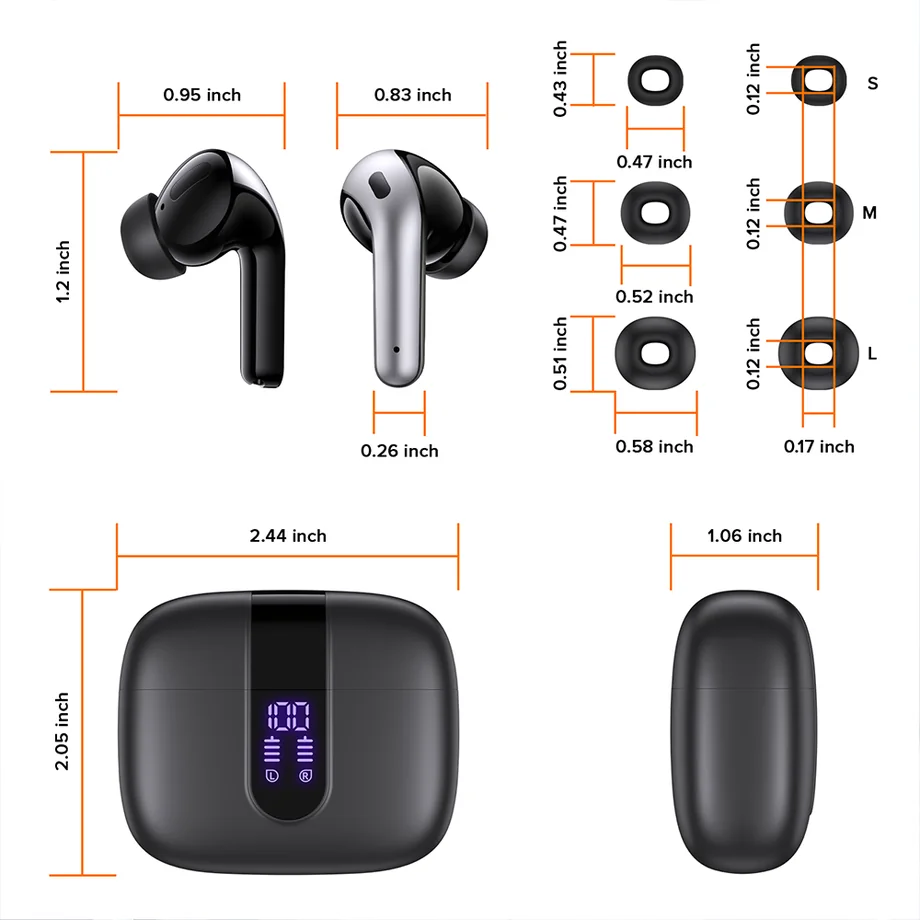 | Consider the black X08 if you prefer in-ear earbuds with a case that displays its charge. | Confirm the black color, included tips, and how the listed battery figure counts case recharges. |
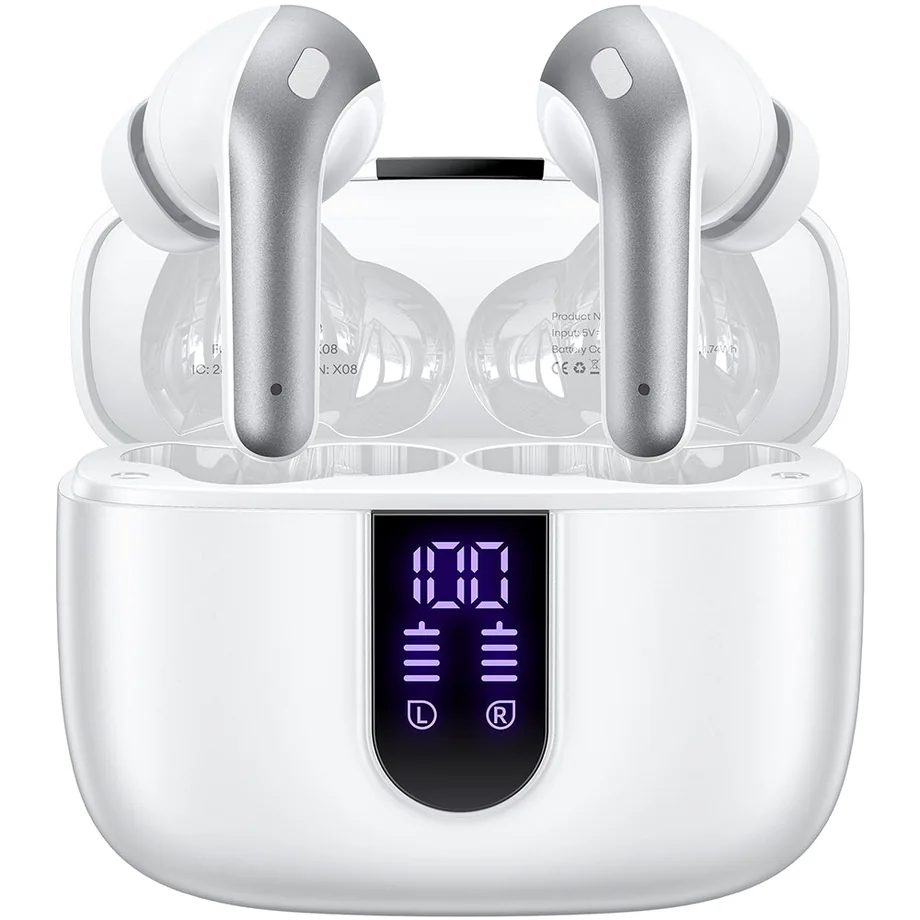 | Consider the white variant when you want a light-finish in-ear pair with a case charge display. | Confirm white is selected before checkout and check case and included tip sizes. |
| TAGRY X08 true wireless earbuds, rose goldIn-ear · rose gold | Choose this listing for the rose-gold finish if you otherwise favor the X08 format. | Check the rose-gold selection, seller, and what is included in the box. |
 | Consider this listing if you want a purple version of the X08 with its charge display. | Check purple is selected and that the listing includes the ear-tip sizes you need. |
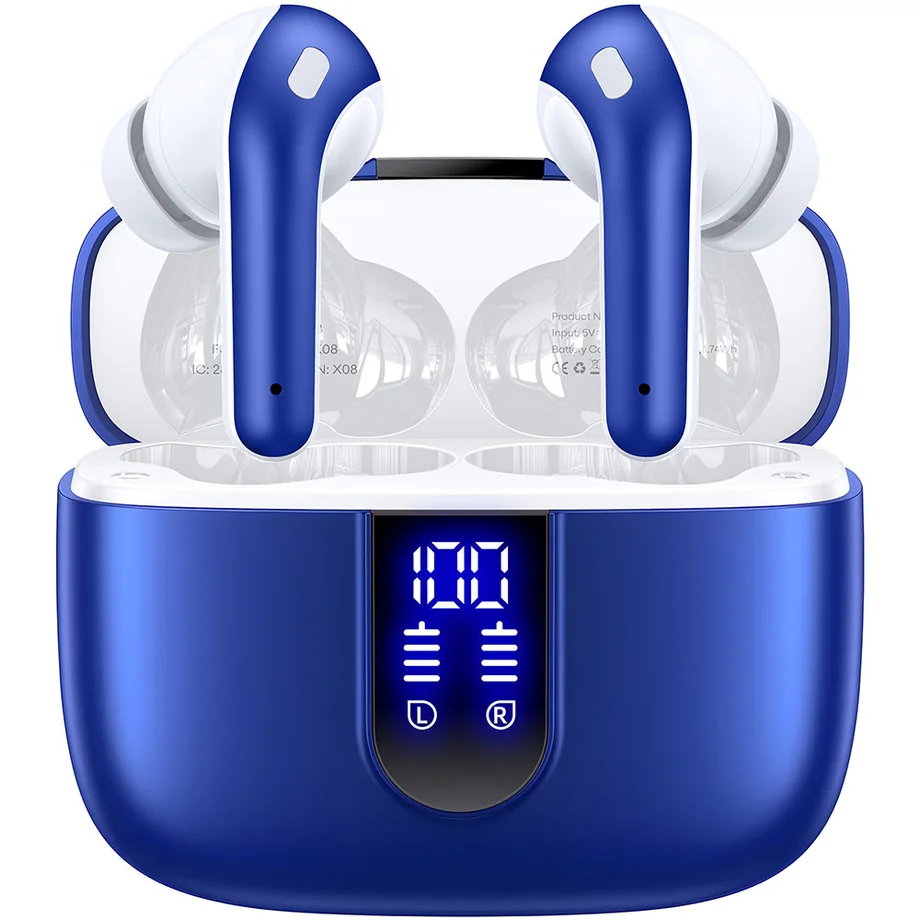 | Pick this variant if you want an Ocean Blue finish and the retailer selection matches. | Check the retailer color selection and confirm the case charging connection. |